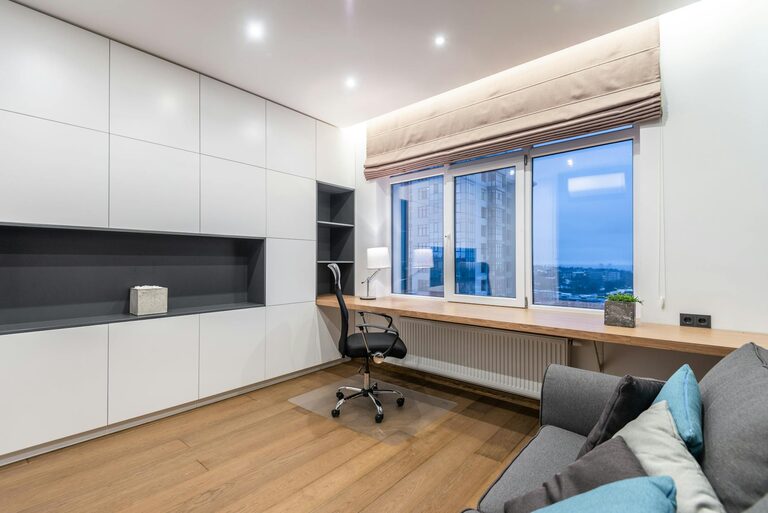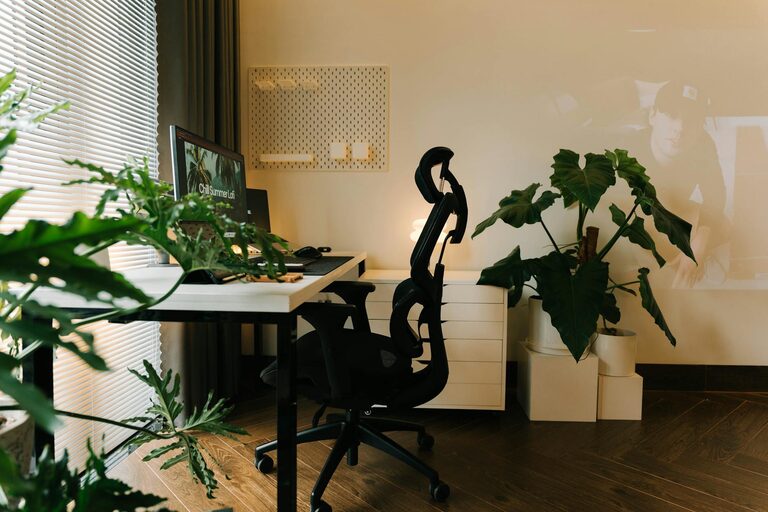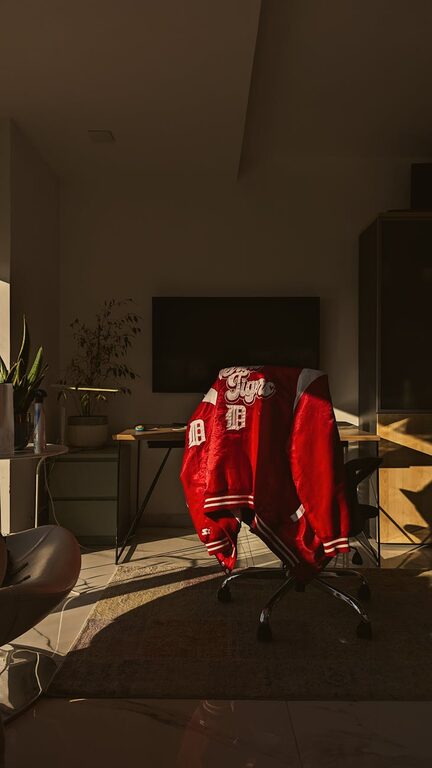
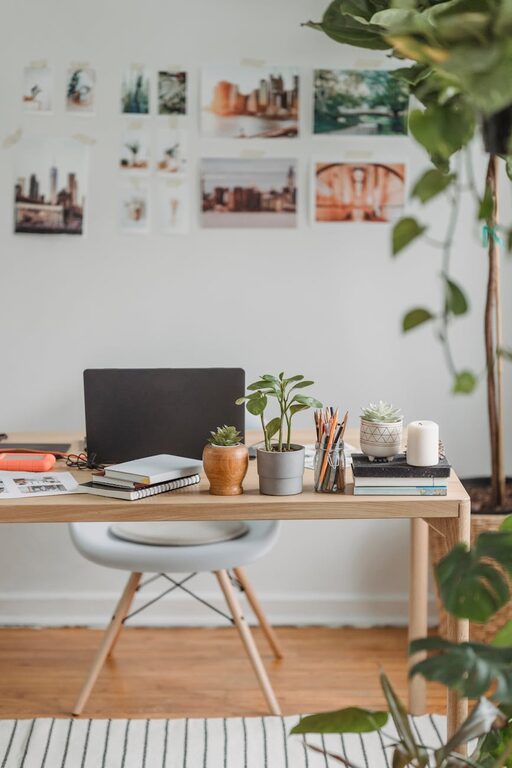
Creating an inviting and functional home workspace is essential for anyone working or studying remotely. A well-designed area can improve focus, comfort, and overall productivity. Whether you have a dedicated room or a small corner, these tips will help you set up a space that meets your needs.
Choose the Right Location
Finding the perfect spot for your workspace is the first step. Ideally, select a quiet area with minimal distractions.
– Natural light: Pick a place near a window to benefit from natural sunlight, which can enhance mood and reduce eye strain.
– Privacy: Make sure the space offers some privacy, so you can concentrate without interruptions.
– Away from high traffic: Avoid busy areas like the kitchen or living room, if possible.
Invest in Ergonomic Furniture
Comfort and health go hand in hand with productivity. Using ergonomic furniture supports good posture and prevents discomfort.
– Desk: Choose a desk with enough surface area for your computer, documents, and other essentials.
– Chair: An adjustable chair with lumbar support is important to avoid strain during long hours.
– Monitor stand: Place your screen at eye level to reduce neck tension.
Organize and Declutter Your Space
An organized space helps clear your mind and keeps distractions at bay.
Decluttering Tips
– Minimal essentials: Keep only the tools and materials you frequently use on your desk.
– Storage solutions: Use drawers, shelves, or boxes to store papers, cables, and office supplies.
– Cable management: Use clips or sleeves to keep cords tidy and prevent tangling.
Personalize Without Overcrowding
Adding personal touches can make your workspace more inviting, but avoid clutter.
– Plants: Small indoor plants can add freshness and improve air quality.
– Artwork: A framed picture or motivational quote can inspire you.
– Lighting: Besides natural light, use a desk lamp with adjustable brightness to reduce eye fatigue.
Establish Zones for Different Activities
If space allows, create specific areas for various tasks.
– Work zone: Focused on your workstation setup.
– Break corner: A comfortable chair or cushion for short breaks to relax.
– Storage zone: Shelves or filing systems to keep documents organized.
Manage Noise Levels
Noise can be a major distraction, so take steps to control it.
– Noise-cancelling headphones: Great for blocking out background sounds.
– Soft furnishings: Rugs, curtains, and cushions help absorb noise.
– White noise machines: These can provide consistent background sound to mask disruptive noise.
Ensure Proper Lighting
Good lighting is crucial for reducing eye strain and maintaining alertness.
– Natural light: Use window coverings to control glare.
– Artificial lighting: Choose daylight bulbs or adjustable lamps to mimic natural light.
Set Up Technology Efficiently
Technology is the backbone of your home workspace, so keep it organized and functional.
– Reliable internet connection: Essential for video calls and research.
– Adequate power outlets: Arrange outlets to avoid extension cords that cause clutter.
– Peripherals: Use wireless keyboards or mice to minimize cables.
Prioritize Comfort and Well-being
Taking care of your physical and mental well-being improves work quality.
– Take breaks: Stand up, stretch, or take short walks regularly.
– Temperature control: Ensure your workspace has good airflow and comfortable temperature.
– Hydration: Keep a water bottle nearby to stay hydrated.
Maintain Your Workspace Regularly
A clean and tidy workspace doesn’t stay organized on its own.
– Daily tidy-up: Spend a few minutes at the end of each day to clean and organize.
– Weekly deep clean: Dust and wipe surfaces to keep the area fresh.
—
Designing a home workspace that is both inviting and functional is achievable with some thoughtful planning. By choosing the right location, investing in ergonomic furniture, staying organized, and personalizing your area, you can create a space where productivity and comfort go hand in hand. Remember to maintain balance by controlling noise and lighting and prioritizing your well-being to make the most of your home office.
About the Author