Creating a home office that is both cozy and productive can make a significant difference to your workday. Whether you work remotely full time or just need a dedicated space for occasional tasks, your environment plays a crucial role in focus and comfort. Here are practical tips to help you design a home office that feels welcoming and supports efficient work.
Choose the Right Location
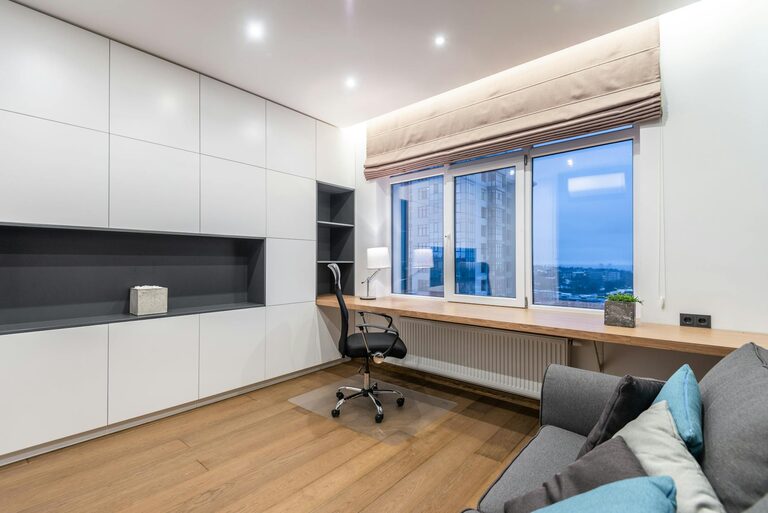
Start by selecting a spot in your home that allows for concentration and minimal distractions. Ideally, it should receive natural light and be away from noisy areas like the kitchen or living room. If space is limited, even a corner in a quiet room can work well.
Invest in Ergonomic Furniture
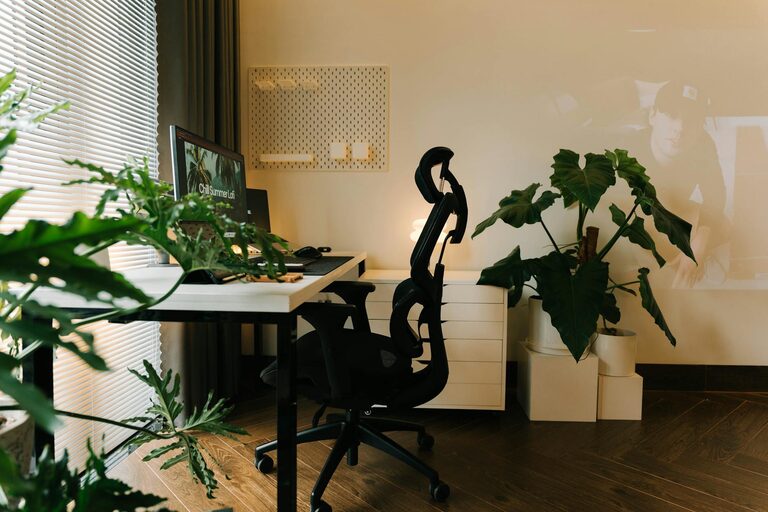
Comfort is key to maintaining productivity. Choose an ergonomic chair that supports your back and a desk at the proper height to prevent strain. Adjustable furniture lets you customize your workspace to fit your needs, reducing fatigue during long hours.
Desk Tips
– Opt for a desk with enough surface area to hold your computer, notes, and other essentials.
– Consider a standing desk or desk converter to alternate between sitting and standing throughout the day.
Chair Tips
– Look for adjustable height and lumbar support.
– Test the chair before buying to ensure it suits your body shape.
Optimize Lighting
Good lighting reduces eye strain and improves mood. Use a combination of natural light and artificial lighting to brighten your space effectively.
– Position your desk near a window for daylight.
– Include a desk lamp with adjustable brightness and direction.
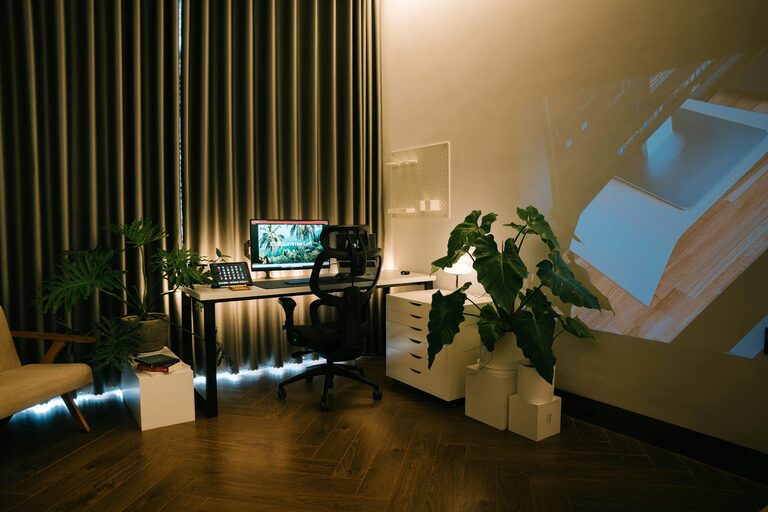
– Choose warm light bulbs to create a cozy atmosphere.
Organize and Declutter
A tidy workspace helps clear your mind and focus on tasks. Use storage solutions like shelves, drawers, or baskets to keep your desk clutter-free.
– Sort items by frequency of use and store accordingly.
– Use cable organizers to manage cords.
– Keep personal items and decorations minimal but meaningful.
Add Personal Touches
Make your office inviting by including elements that bring you joy.
– Hang artwork or motivational quotes.
– Include plants to add life and improve air quality.
– Use cushions, rugs, or curtains in soft colors to enhance coziness.
Set Up Technology Efficiently
Reliable technology supports smooth work.
– Ensure a strong internet connection.
– Position your monitor at eye level.
– Use wireless accessories to reduce clutter.
– Invest in quality headphones for calls or concentration.
Establish Boundaries
Especially when working from home, set clear boundaries.
– Use a door or screen to separate your office.
– Create a work schedule to avoid overworking.
– Communicate your work hours to family or roommates.
Incorporate Break Areas
Plan space for short breaks to refresh your mind.
– Set up a comfortable chair for reading or relaxing.
– Keep water and healthy snacks nearby.
Maintain Your Space Regularly
Keep your home office functional by regularly cleaning and reassessing your setup. Update equipment when needed and adjust your workspace as your needs change.
—
By following these tips, you can turn any area into a home office that feels cozy and helps you maintain productivity. Remember, the best workspace supports both your comfort and your workflow, making each workday more enjoyable and efficient.
About the Author